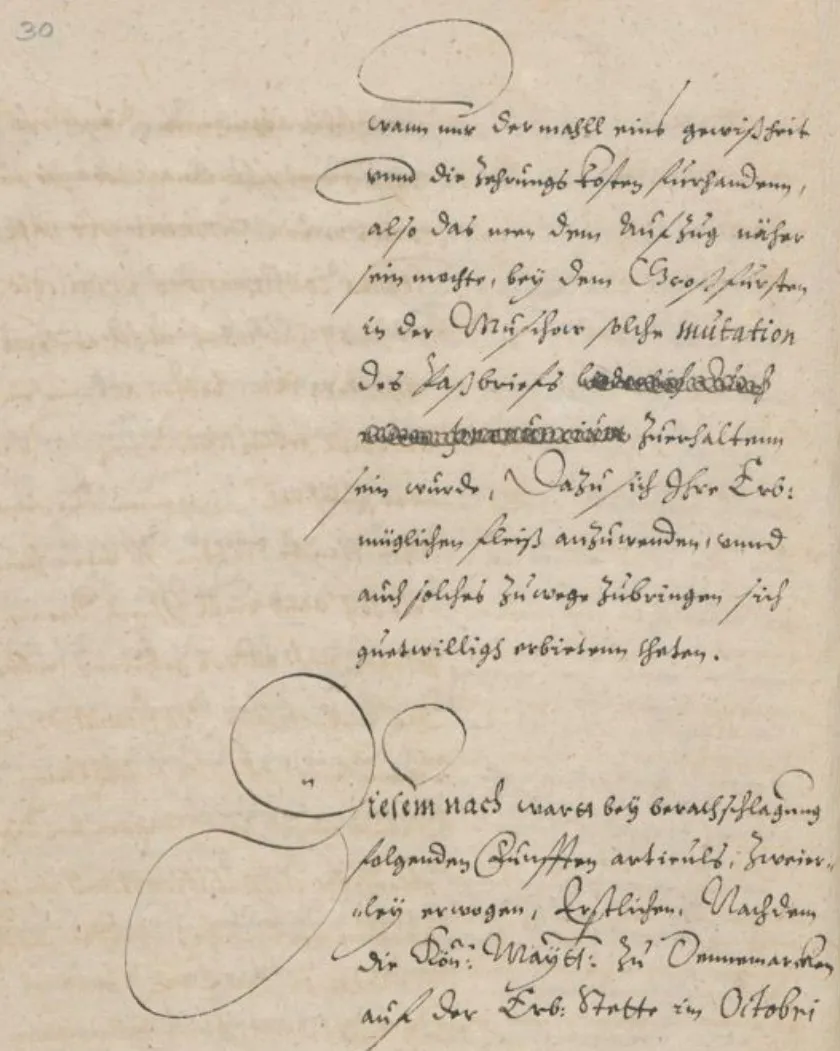
Die Herausforderung
Warum mittelalterliche Handschrifterkennung spezialisierte Werkzeuge erfordert
Die Lösung
Wie Transkribus mittelalterliche Dokumente mit HTR transkribiert
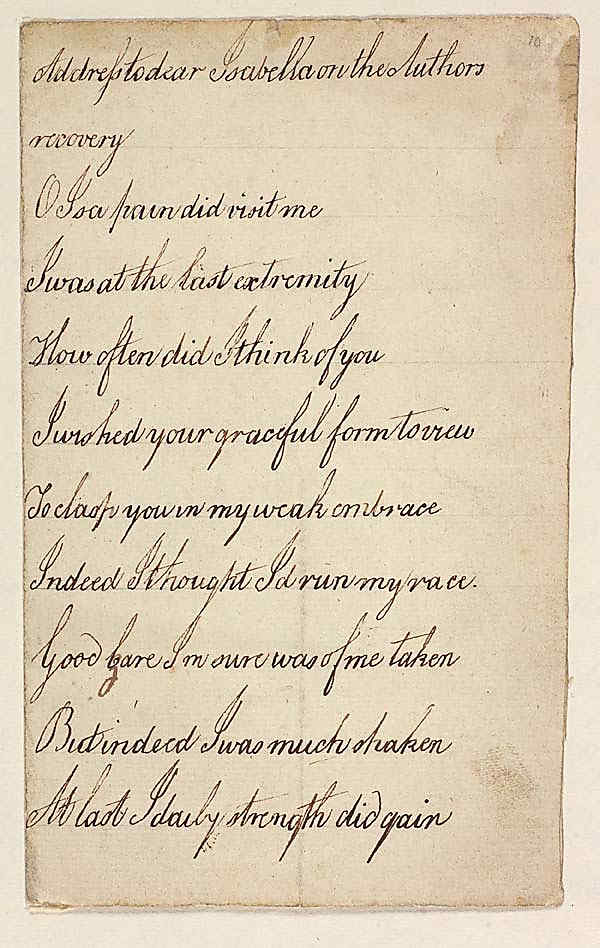
Vom Handschriftenbild zur TEI-XML-Edition in 4 Schritten
Handschriftenbilder hochladen
Importieren Sie hochauflösende Scans oder Fotografien von Handschriftenfolios. Transkribus akzeptiert TIFF, JPG, PNG und PDF. Organisieren Sie nach Codex, Lage oder Sammlung.
HTR-Modell auswählen oder trainieren
Wählen Sie aus öffentlichen Modellen für mittelalterliche Schriften oder trainieren Sie ein eigenes Modell auf Ihren Ground-Truth-Daten. Für beste Ergebnisse bei einer bestimmten Schreiberhand genügen 50–100 transkribierte Seiten.
Layoutanalyse und Erkennung starten
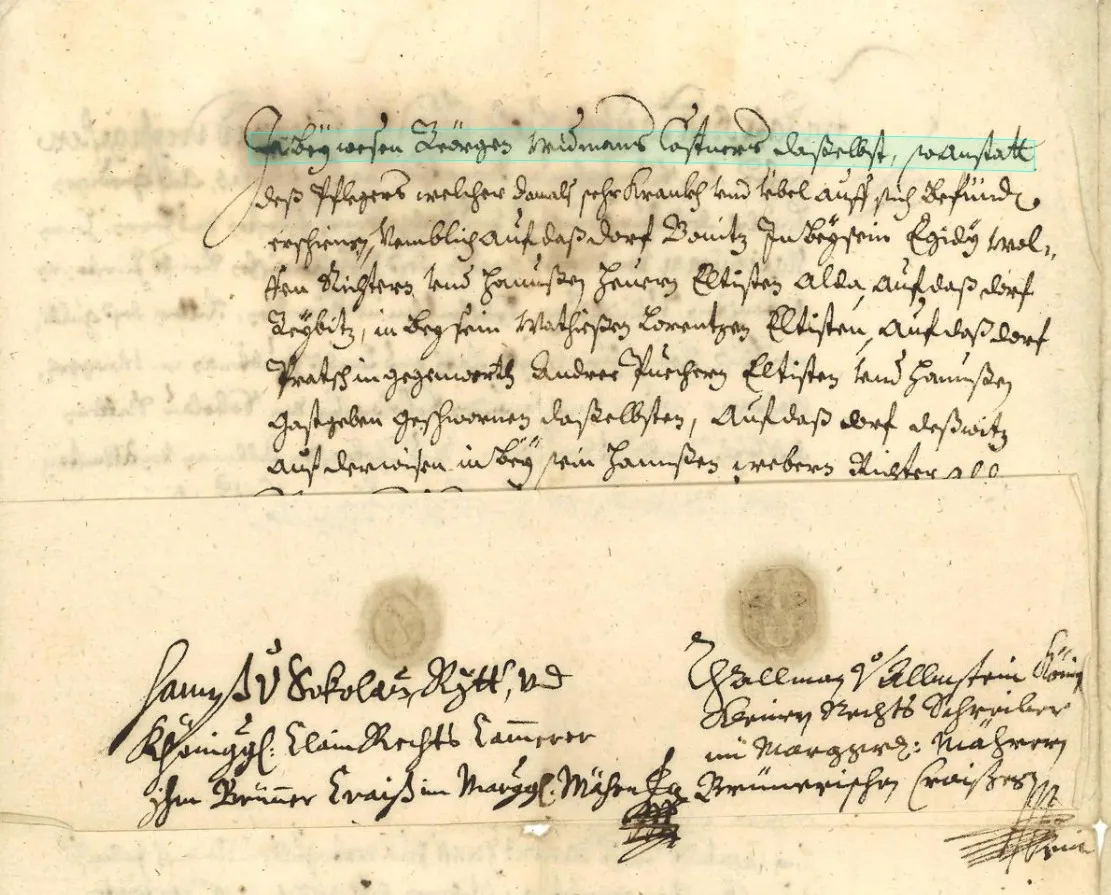
Transkribus erkennt Textregionen, Grundlinien, Spalten und Randzonen automatisch. HTR verarbeitet jede erkannte Zeile und liefert die Transkription mit Konfidenzwerten pro Zeile.
Überprüfen, korrigieren und exportieren
Überprüfen Sie die Transkription im integrierten Editor neben dem Handschriftenbild. Korrigieren Sie Fehler, fügen Sie TEI-Markup hinzu und exportieren Sie als TEI-XML, PAGE XML, ALTO oder Reintext für Ihre Edition oder Ihr Korpus.
Modelle und Schriften
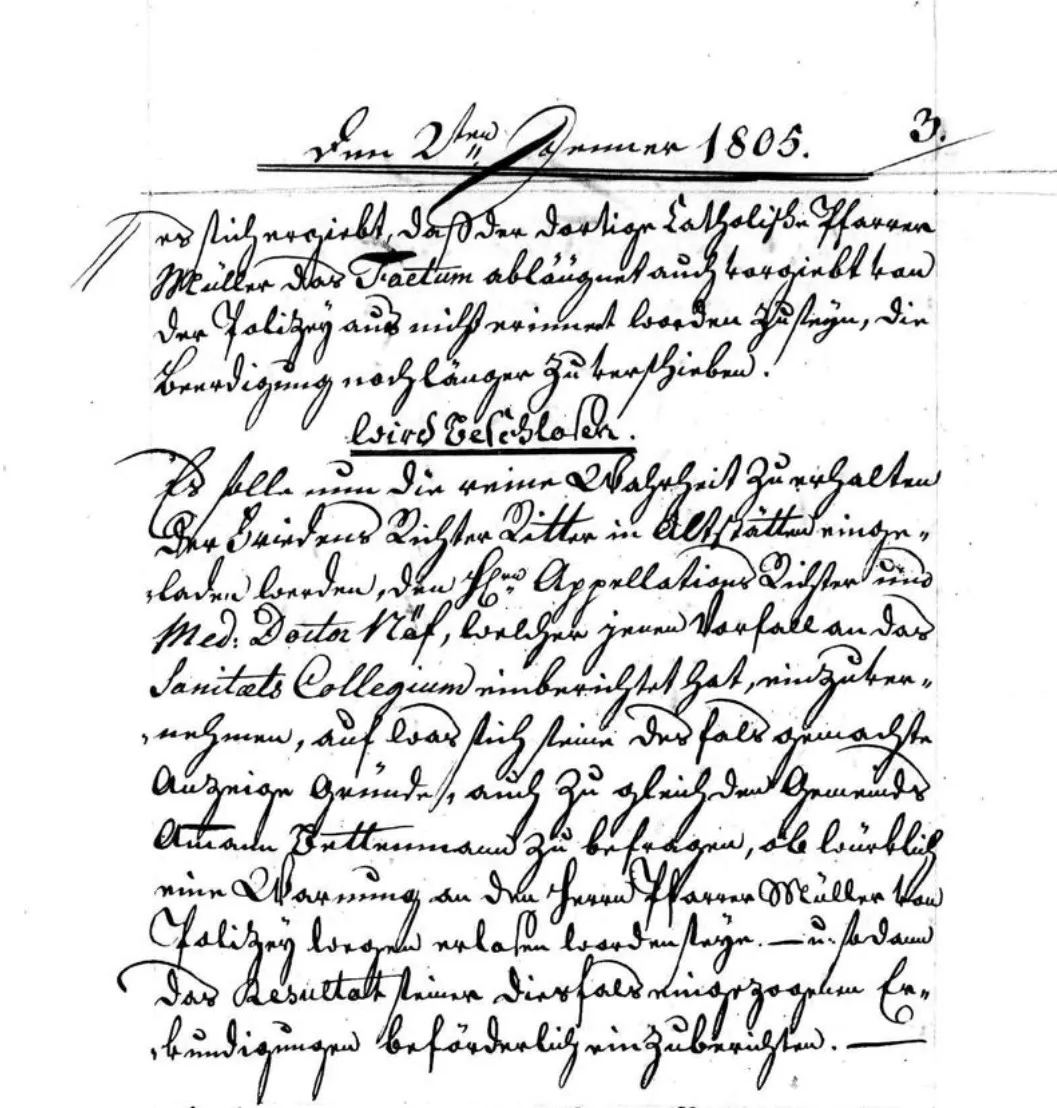
Gotische Schrifterkennung und darüber hinaus: Öffentliche Modelle für mittelalterliche Paläographie
Eigenes Training
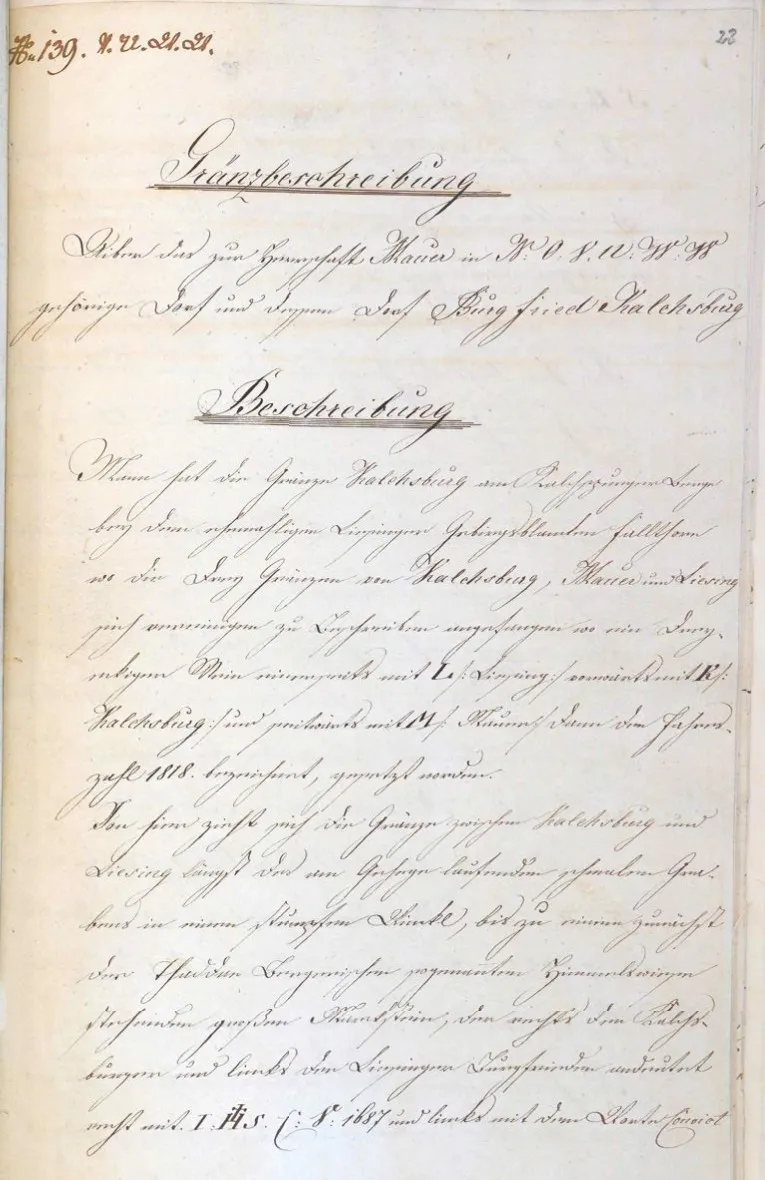
Eigenes HTR-Modell für Ihre Handschriftensammlung trainieren
Häufig gestellte Fragen
Weiterführende Ressourcen
Mehr für Forschende
Bereit, Ihre Handschriften-Transkription zu beschleunigen?
Schließen Sie sich über 500 Universitäten an, die Transkribus bereits für die Handschrifterkennung nutzen. Starten Sie mit kostenlosen Credits und erkunden Sie öffentliche Modelle für mittelalterliche Schriften. Oder testen Sie den kostenlosen Handschrift-Übersetzer – ganz ohne Anmeldung.
50 kostenlose Credits pro Monat – Keine Kreditkarte nötig