The essential Transkribus glossary: 27 key terms every digital humanist should know
Stepping into the world of digital humanities and automated text recognition can feel like learning a whole new language. One minute you are analysing 18th-century cursive, and the next you are managing neural networks, layout analysis, and character error rates.
Whether you are applying for a digital humanities grant, setting up a large-scale archival project, or navigating the Transkribus platform for the first time, mastering this terminology is key to mastering the technology.
Below is the definitive glossary of 27 essential Transkribus terms for digital humanities scholars and archivists, broken down into plain English.
1. Core Transkribus Technology
HTR (Handwritten Text Recognition)
Handwritten Text Recognition (HTR) is the AI-powered technology used to recognise and transcribe handwritten text, as well as complex historical print. Unlike traditional OCR, HTR learns to read varying handwriting styles by analysing whole lines of text at once rather than individual characters.
OCR (Optical Character Recognition)
Optical Character Recognition (OCR) is a legacy text recognition technology designed for clean, modern printed books. While highly efficient for machine-printed text, traditional OCR generally fails when faced with historical fonts, ligatures, or human handwriting.
→ Read more: OCR vs. HTR or “What is AI, actually?”
ATR (Automatic Text Recognition)
ATR (Automatic Text Recognition) is an overarching term that describes the entire process of digitising analogue text (whether printed or handwritten) using computer systems. Modern ATR workflows often use a combination of both HTR (for manuscripts) and OCR (for clean, printed text).
PyLaia
PyLaia is the advanced, open-source deep learning engine integrated into Transkribus. Developed by the Universitat Politècnica de València, it is the core architecture that makes it possible for users to train highly accurate, custom text recognition models.
Job
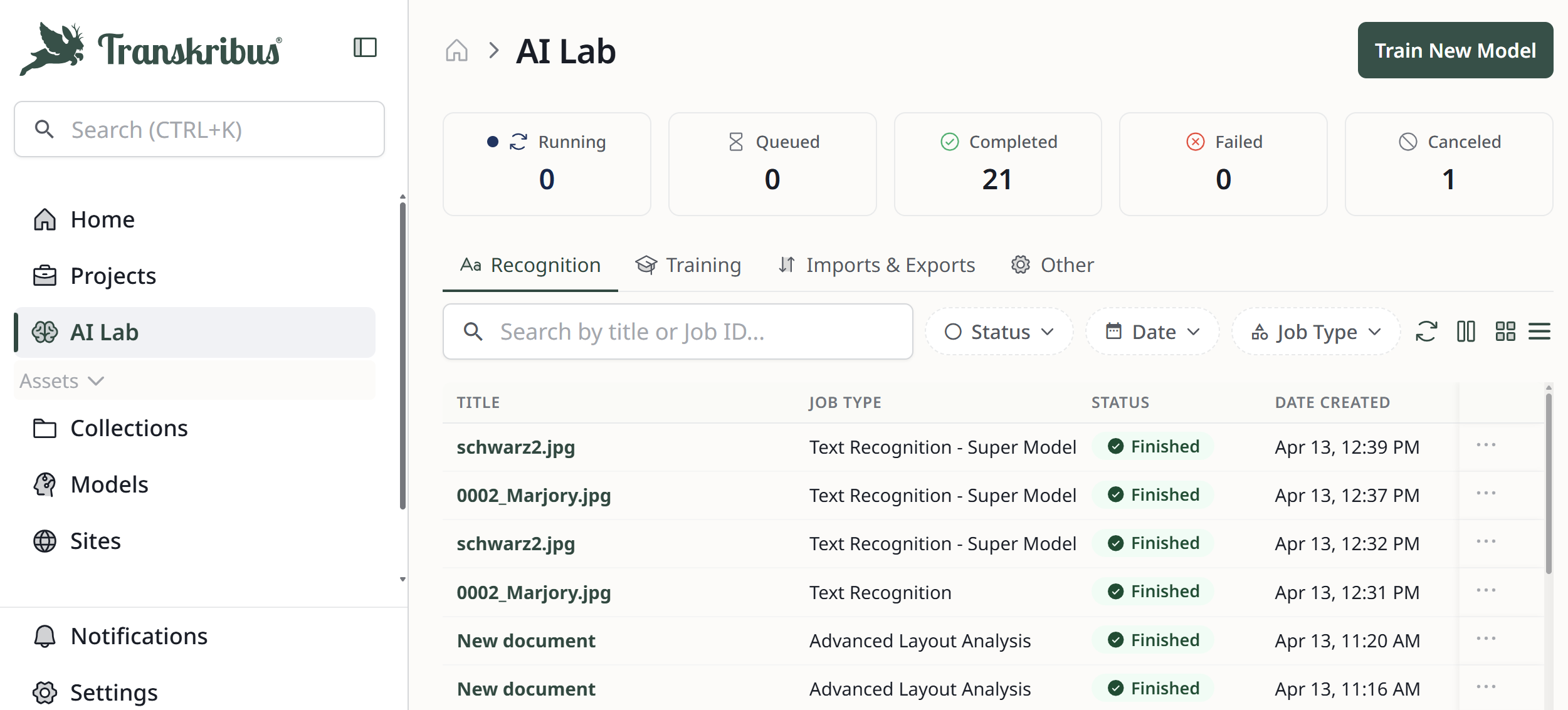
Job describes any task you ask Transkribus to perform, such as uploading a document, performing text recognition, or training a model. You can view all current and completed jobs in the AI Jobs overview.
→ Read more: How long does it take to transcribe my document?
2. Types of Models
Text Recognition Model
A Text Recognition Model is an AI model that can read and automatically transcribe handwritten or printed text and create digital, machine-readable versions of it. The text recognition models in Transkribus have been specifically trained for historical documents and scripts.
→ View all the text recognition models available on Transkribus
Language Model
A language model in Transkribus refers to the AI component of a Text Recognition Model that understands vocabulary, grammar, and context. It works alongside the optical recognition component (which “looks” at the shapes of the letters) to predict the most likely sequence of words in the text, significantly increasing transcription accuracy.
Super Model
A Super Model is an advanced form of Text Recognition Model that can be used within Transkribus. Using powerful transformer technology, Super Models produce highly accurate transcriptions with complex collections of documents, for example, those with multiple languages or handwriting from different time periods.
→ Read more: What are Super Models and how do they work?
Field Model
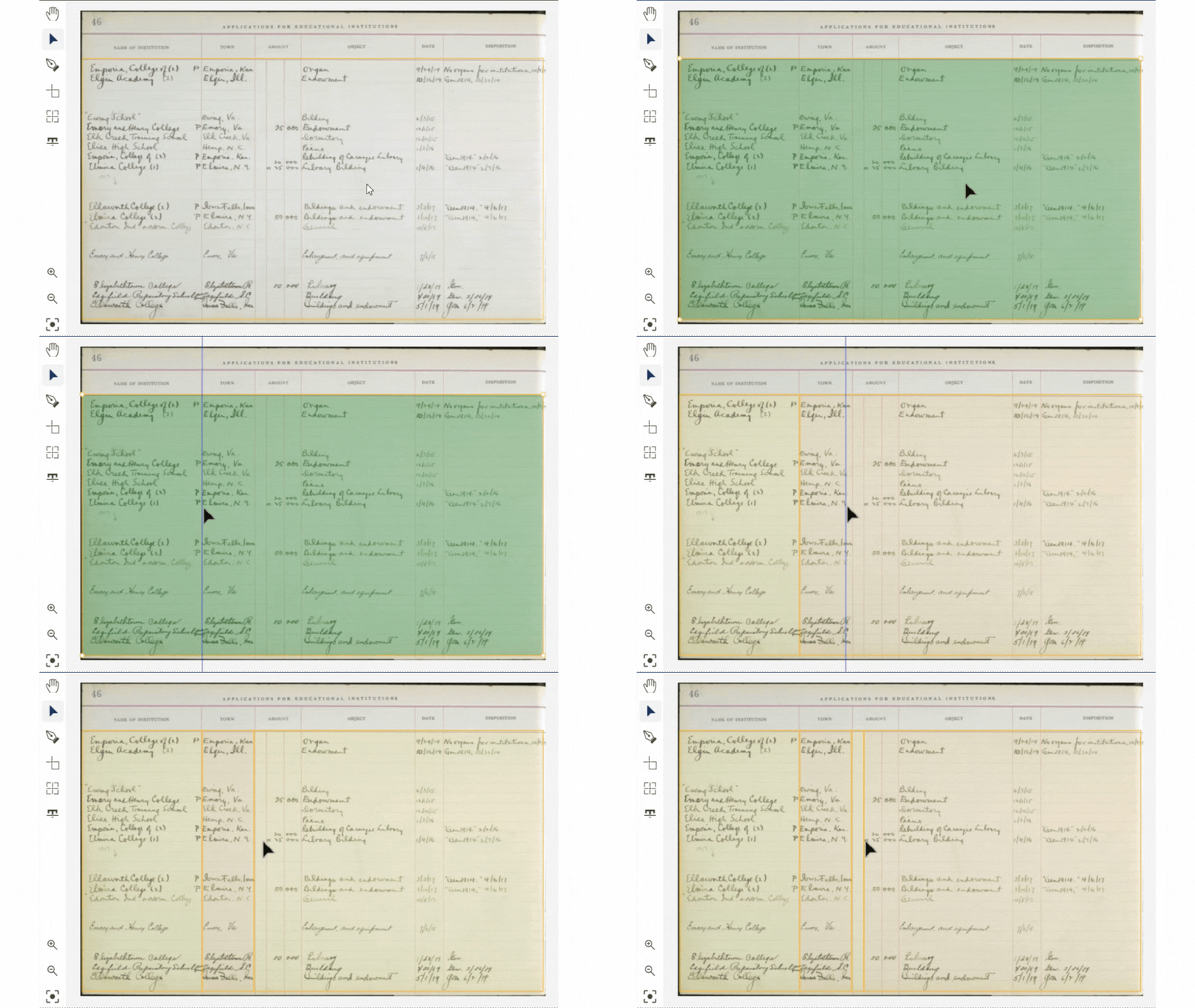
A Field Model is a trainable AI layout recognition model used to identify, segment, and extract specific parts of a document, such as the columns in a newspaper or the name on an index card. It acts as intelligent "semantic layout analysis", helping Transkribus to process the different text elements on the page rather than just processing it as a single block of text.
→ Read more: What are Field Models and how do they work?
Table Model
A Table Model is another type of AI layout recognition model which identifies the rows, columns, and grid structure of tabular historical documents. Instead of extracting text in one jumbled block, it turns each cell into an individual data point, and transcribes the text it contains accordingly.
→ Read more: How to convert handwritten tables into digital spreadsheets
3. Layout Recognition
Layout Recognition
Layout Recognition is the automated process in which Transkribus scans a document image to detect text zones, columns, lines, and structural elements before any text recognition takes place.
→ Read more: Automatic Layout Recognition
Baseline
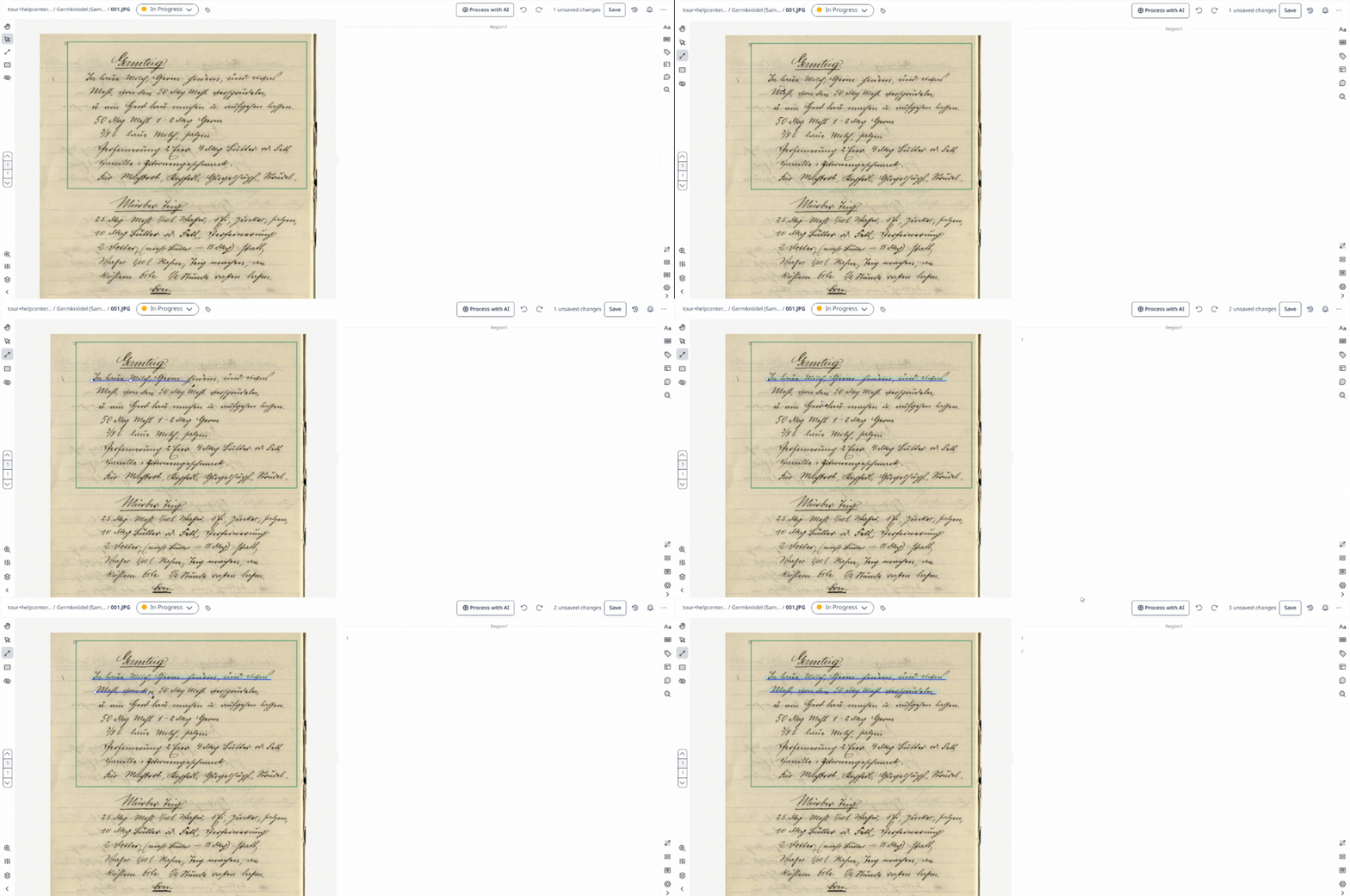
A Baseline is the virtual line drawn directly beneath a string of text in Transkribus. The AI uses the baseline as an anchor point to guide its reading process, which makes it far more accurate at tracking irregular historical handwriting than traditional rectangular bounding boxes.
Visual Tip: Think of a baseline like the lined paper you used in school. The AI "looks" at what sits directly on top of this line to read the characters.
Text Region
A Text Region is a structural bounding box that groups multiple baselines together into logical paragraphs, columns, marginalia, or blocks on a page. Transkribus can be taught to automatically recognise different text regions using a Field Model.
→ Read more: Why train a Layout Recognition model?
Reading Order
Reading Order is the sequential numerical order assigned to text regions and baselines on a page. This metadata tells the system exactly how to piece the transcribed text together chronologically when you export your project.
4. Training Models
Model Training
Model Training is the computational process of feeding Ground Truth pages into a neural network so the AI can learn the specific patterns, ligatures, and abbreviations of a historical script.
Ground Truth
Ground Truth is the definitive, high-quality training data used to teach an AI model how to read historical text. It consists of an image of a historical document paired with its 100% accurate, human-verified diplomatic transcription.
→ Read more: What is Ground Truth?
Training Set
The Training Set is the portion of your Ground Truth documents that the AI uses to learn a specific handwriting style or font. It typically comprises 90% of your total Ground Truth data.
Validation Set
A Validation Set is a small selection of your Ground Truth pages (usually around 10%) that is held back during model training. The AI uses these documents to test its own accuracy and evaluate its learning progress.
→ Read more: Model Setup and Training
Base Model
A Base Model is an existing, pre-trained text recognition model used as a foundation for further training. Training a custom model on top of a base model generally reduces the amount of Ground Truth pages required to achieve high accuracy.
→ Read more: Should I use a base model when training a custom model?
Learning Curve
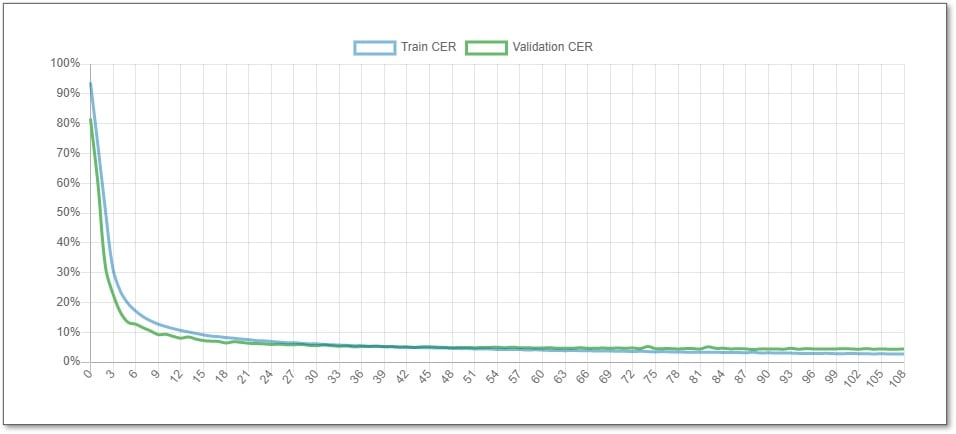
A Learning Curve is a visual graph generated during model training that charts the decrease in transcription errors over successive training epochs. If the curve flattens out completely, it indicates the model has learned as much as it can from the provided data.
CER (Character Error Rate)
Character Error Rate (CER) is the universal metric used to measure HTR accuracy. It calculates the percentage of characters (including letters, spaces, and punctuation) that the AI mistranscribed compared to the human-verified Ground Truth. A model with a CER of 10% or less is generally considered as being accurate enough for most archival and research purposes.
→ Read more: Character Error Rate and Learning Curve
5. Metadata and Search
Text Tagging
Text Tagging is the process of highlighting specific words within your transcription and assigning them semantic categories (such as name, place, or date) to make historical data structured and queryable.
Structural Tagging
Structural Tagging is the process of labelling the physical layout elements of a document (for example, marking headings or page numbers) to preserve the layout context of the original manuscript. You can train Field Models to only extract text from specific tagged structures (like a heading or a date) rather than processing the entire page.
Fulltext Search

Fulltext Search is the simplest search option within Transkribus: it searches for terms in the latest transcription of your documents and returns the pages containing some or all of your search terms.
Fuzzy Search
Fuzzy Search is a search technique that allows you to find similar words in addition to exact matches. It retrieves results that differ by only one or two letters from the search term — useful with misspellings and spelling variations.
Smart Search
Smart Search enables you to perform a more advanced and powerful type of search, which can find words even if they have been transcribed incorrectly by the Text Recognition model. It is particularly useful with records and registers, as well as automatic transcriptions with a high error rate (CER up to 30%).
6. Data Export
TEI-XML
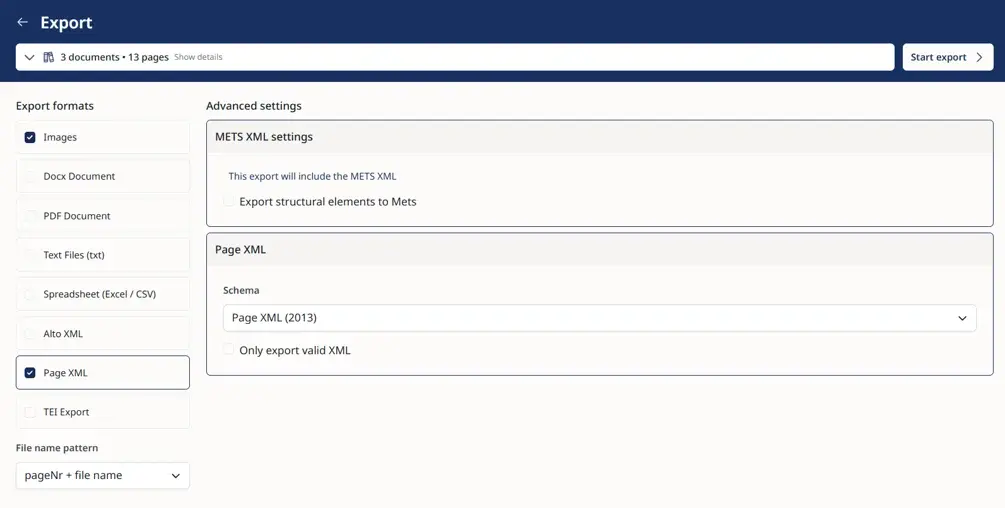
TEI-XML is an XML format complying with the Text Encoding Initiative guidelines, widely recognised as the gold standard for digital humanities. Exporting to TEI-XML preserves your transcribed text alongside all the structural and semantic tags created during your project.
ALTO / Page XML
ALTO and Page XML are technical XML data standards favoured by major libraries and national archives. They map the exact coordinate data of where every region and line sits on the original digitised page image and associate it with their transcriptions and tags.
Put these terms into practice
Knowing the vocabulary is the first step to digitising your historical documents.
If you are ready to move from understanding "Ground Truth" to actually building your own text recognition models, check out our guide on How to Train a Text Recognition Model in Transkribus and start building your digital archive.
Related Articles
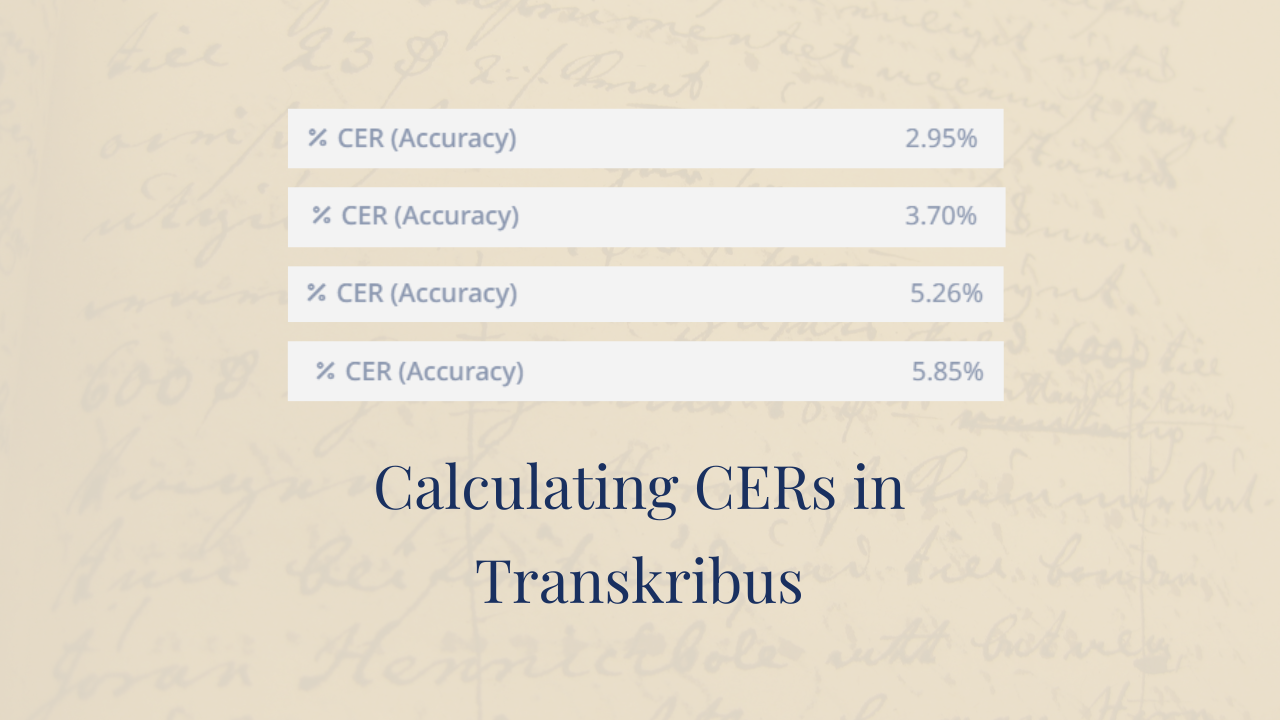
How is the CER calculated?
If you're browsing models on Transkribus, you will see that each model has a Character Error Rate, or CER. This is a score that shows the accuracy of that model: The lower the CER of a model, the...
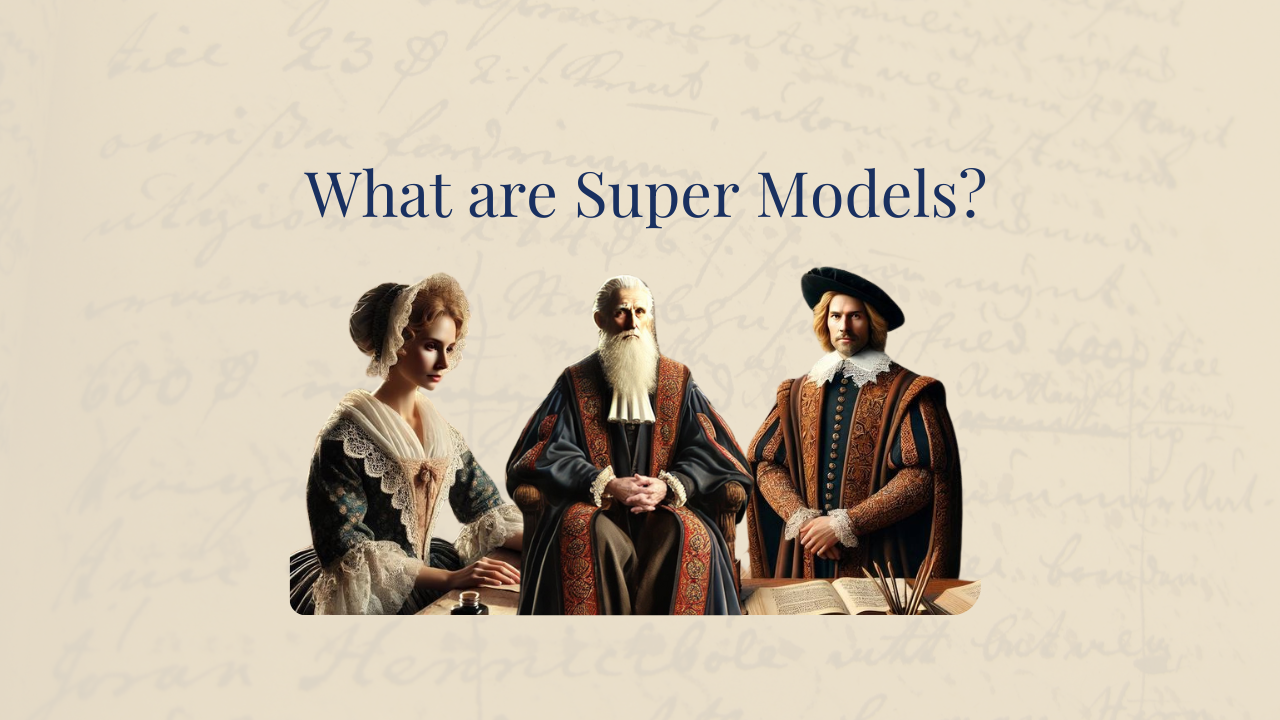
What are Super Models and how do they work?
The Text Titan, the English Elder, the Dutch Dean: Super Models are one of the most important developments in Transkribus. Why? Because Super Models produce more accurate transcriptions of diverse...
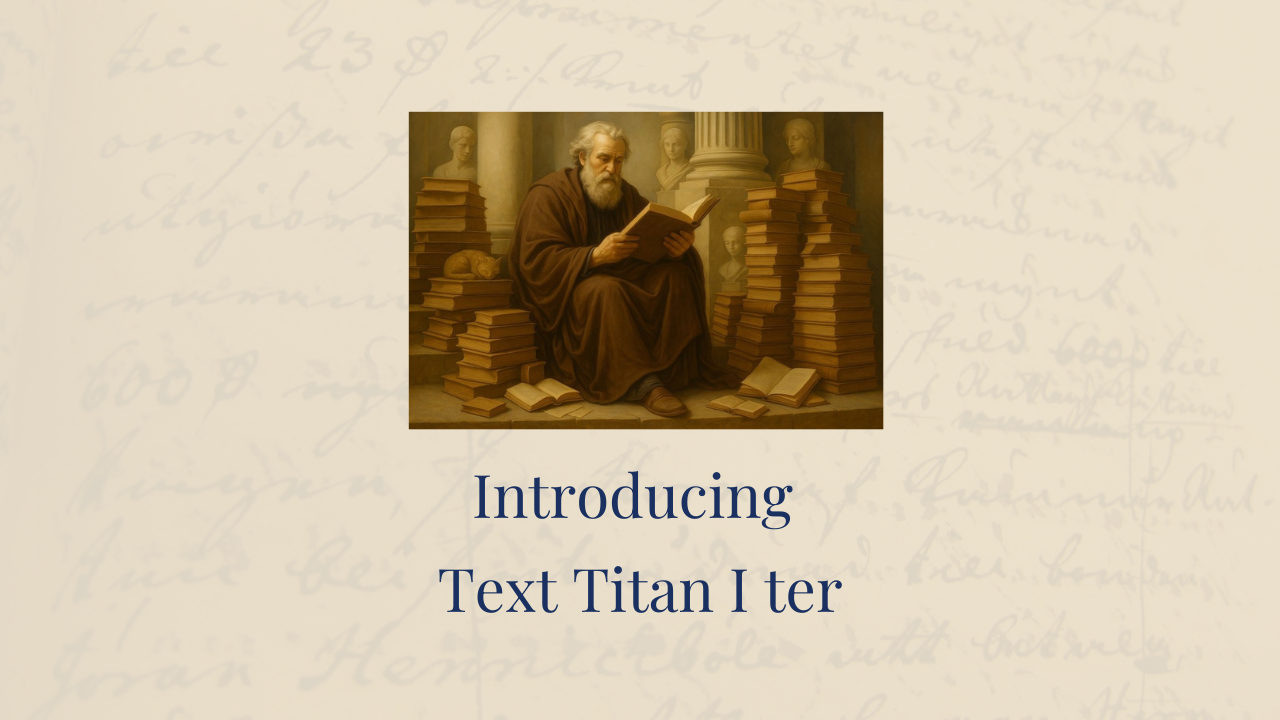
The new Text Titan I ter and how it compares to ChatGPT, Gemini, and other LLMs
We are excited to share the Text Titan I ter (TTI ter), the newest iteration of our general-purpose text recognition models. TTI ter is trained on a substantially expanded dataset of 31 million...