New Document Editor
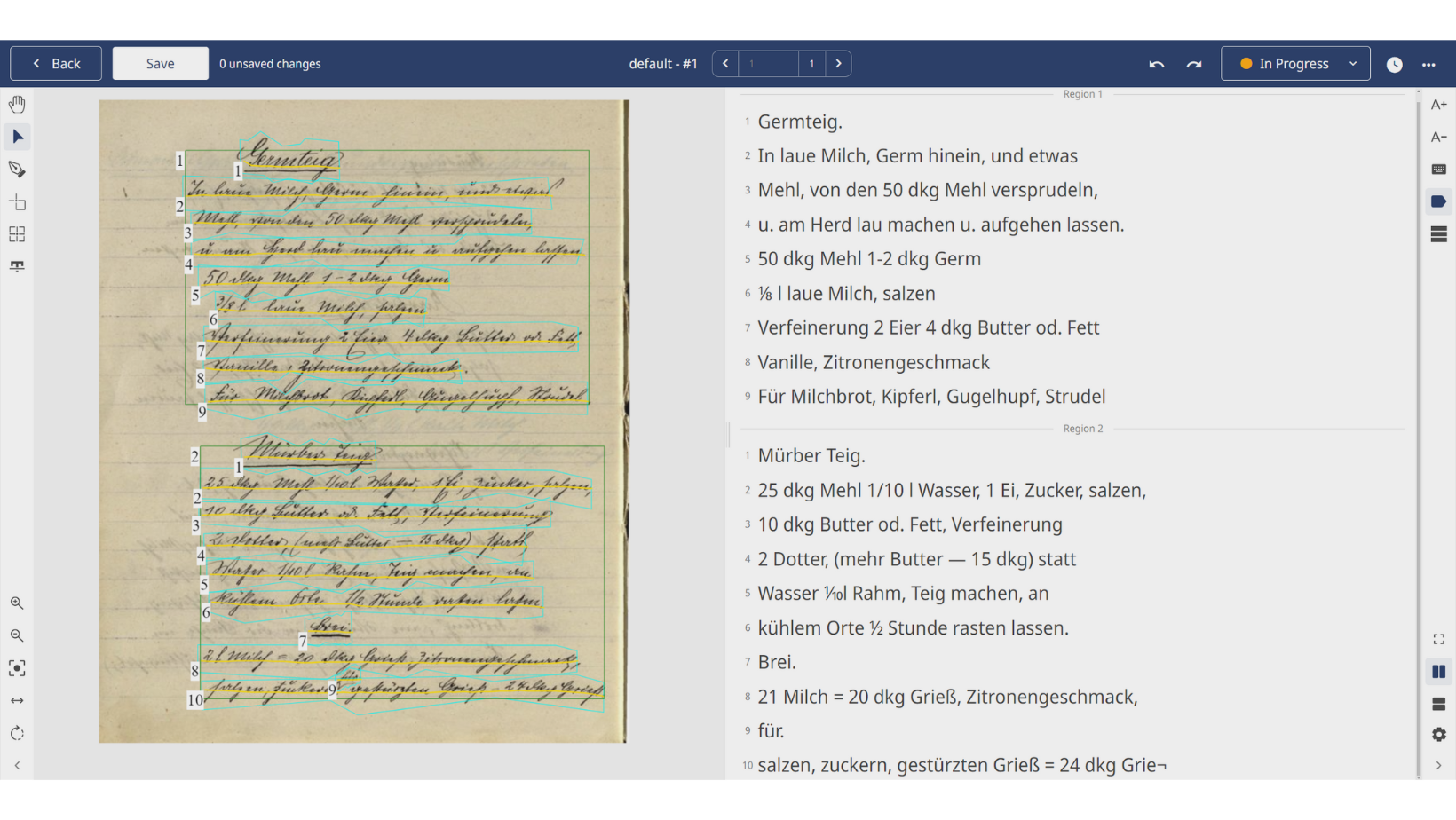
We’re pleased to announce the latest updates to our document editor, bringing you a more intuitive and cleaner interface. Our commitment to improving the user experience has resulted in several enhancements that will make your document editing process smoother and more efficient. Let’s see what’s new!
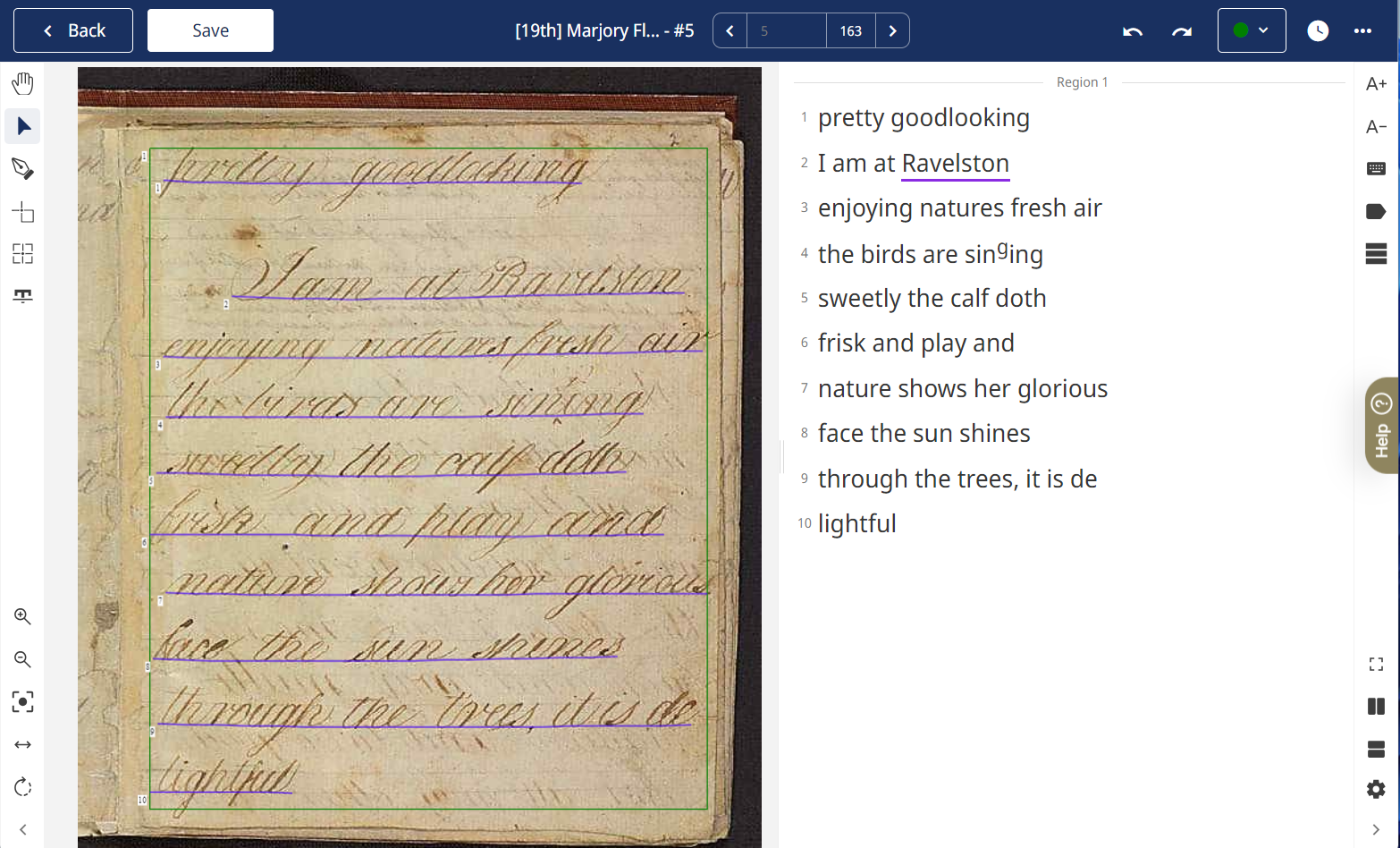
Redesigned Setting bars
The first notable change is that the setting bars have been moved to the side for a more user-friendly experience. This move is designed to optimise your workspace by removing clutter from the Layout Editor and the bottom sections. Now you can easily access and adjust settings without interrupting your workflow.
Activate Tags for Enhanced Functionality
Editing your transcription is now more user-centric with the introduction of Tag Activation. This addition gives users more precise control over levels of functionality. Enable tagging when you want to apply textual tags for enhanced metadata, or disable it to simply modify and correct the text. This deliberate design ensures that users have the freedom to customise their editing environment.
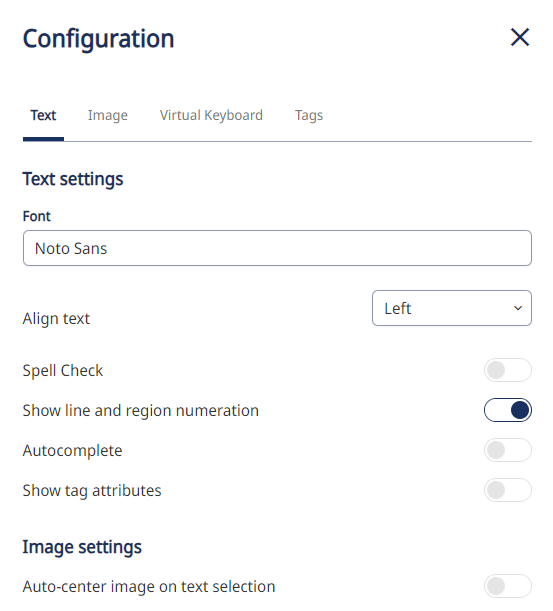
Cleaner settings overview
We understand the importance of a clean and organised workspace. With the redesigned Settings, we’ve achieved a cleaner and more structured layout of the configuration setup. The updated Settings interface not only improves the overall user experience, but also simplifies navigation, making it easier for users to find and adjust document parameters.
If you want to take a closer look at the changes and updates, watch our new YouTube video about the Document Editor.
Thank you for being part of our journey towards continuous improvement!
Related Articles
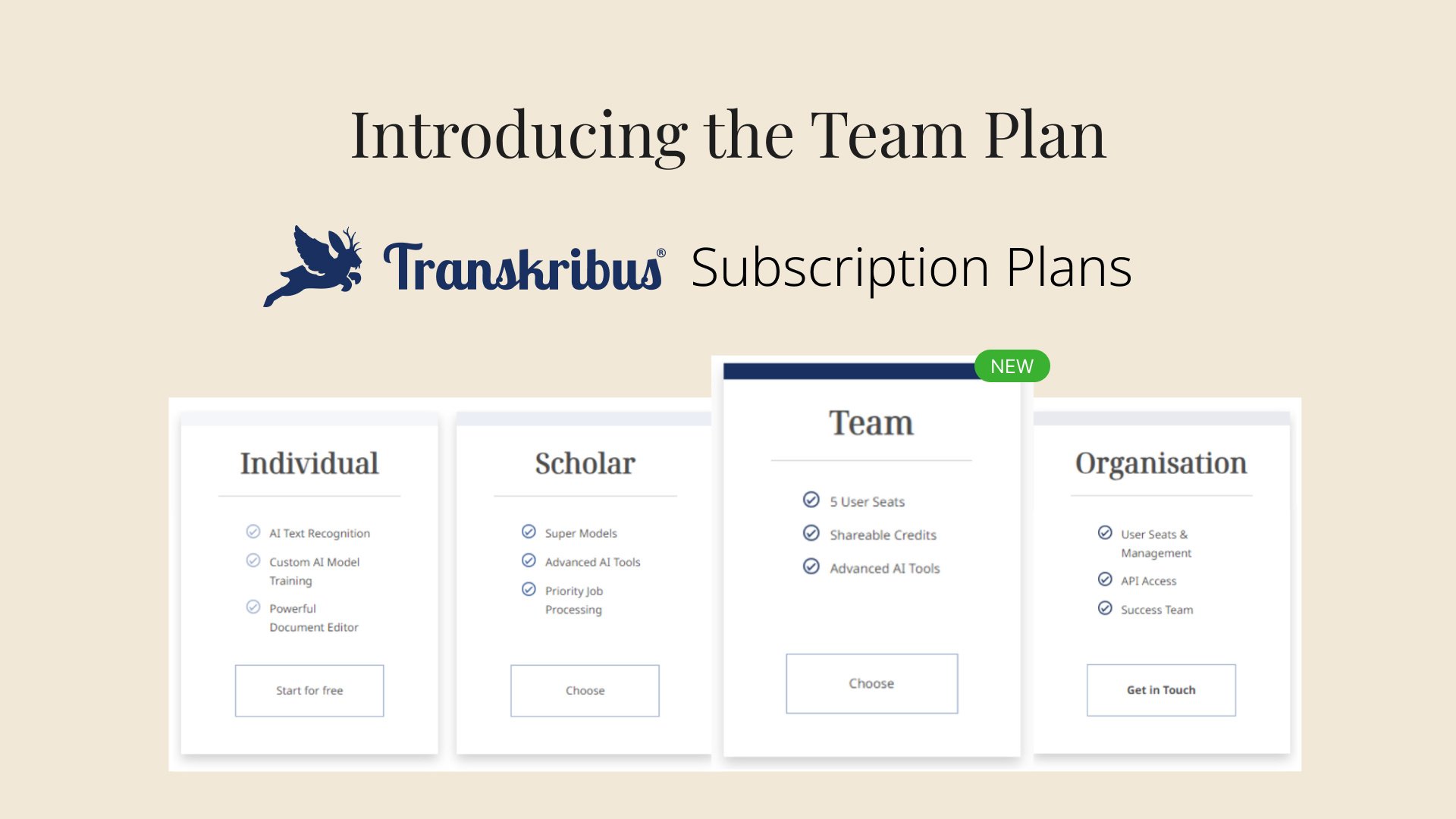
The new Team subscription plan — collaboration at its best
Back in January, we announced our new subscription plans: Individual, Scholar, and Organisation. Each plan is tailored to a particular type of Transkribus user, no matter if you use Transkribus for...
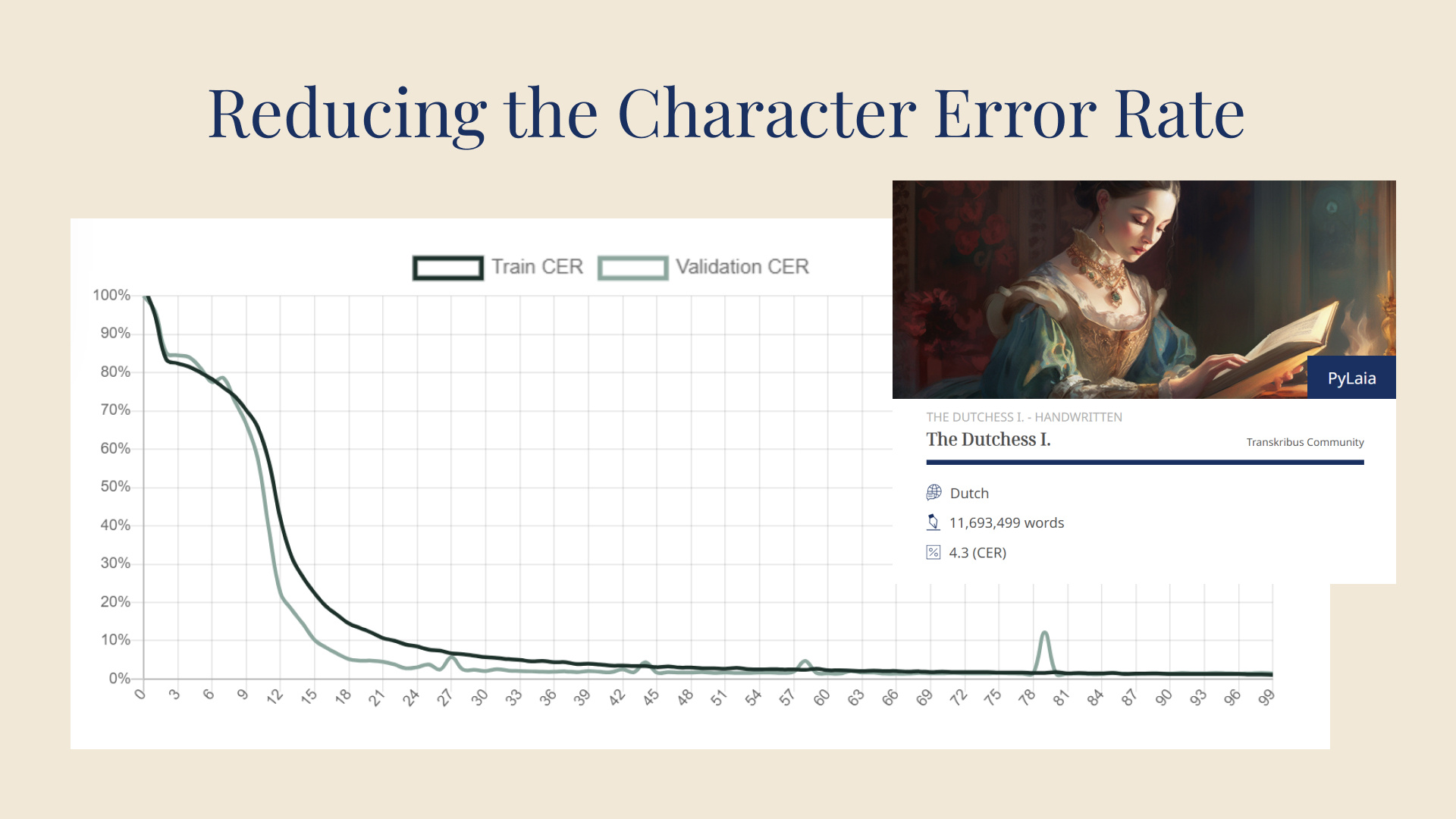
How to improve the CER of your model
One of the biggest advantages of Transkribus is the possibility to train custom handwritten text recognition models. This unique feature allows you to tailor the automatic transcriptions to the...
Transkribus Update - April 2024
Spring has sprung and so has the April 2024 release of Transkribus. Here is a quick overview of all the improvements that have been implemented this year already, as well as some important news...