Skip to content
  • Pricing

Medieval Manuscript Transcription Software: AI-Powered HTR for Historical Scripts

Gothic textura, Caroline minuscule, Beneventan, and more — AI-powered HTR turns months of manual transcription into hours, with TEI-XML export for critical editions.

Medieval ScriptsGothic TexturaCustom ModelsFree to Try

Trusted by 500,000+ users worldwide — 200M+ pages processed

500K+
Users worldwide
200M+
Pages processed
300+
Public AI models
500+
Universities and research institutions

The challenge

Why Medieval Handwriting Recognition Demands Specialized Tools
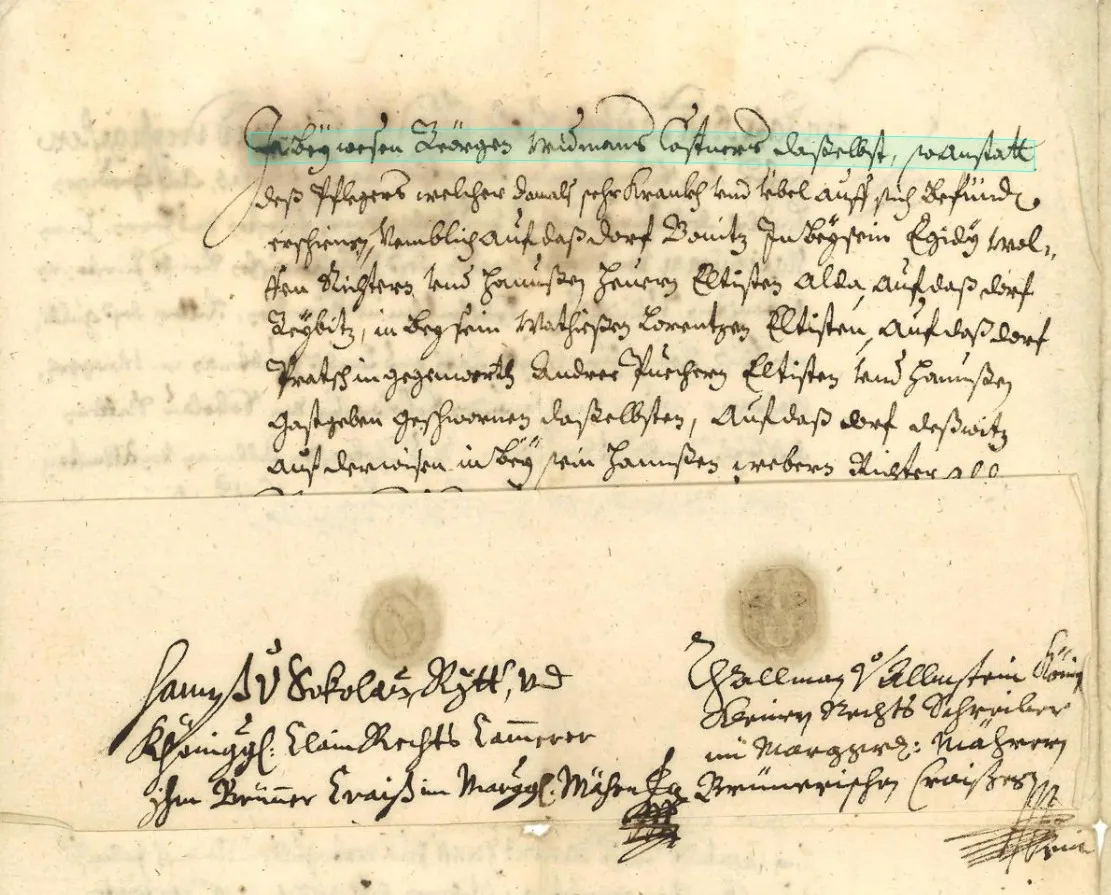
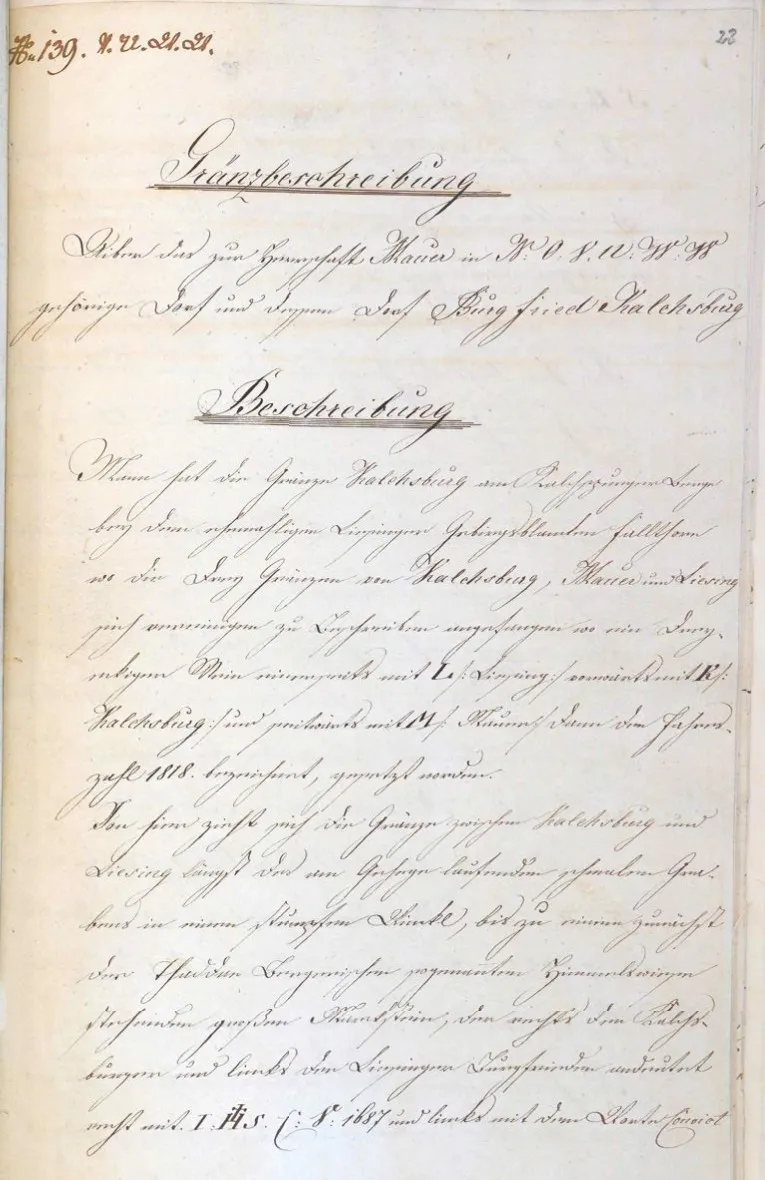
Medieval manuscripts present challenges that no general-purpose OCR system can handle. The scripts themselves are the first barrier: a 12th-century Caroline minuscule codex shares almost no visual characteristics with a 15th-century bastarda charter. But the difficulties go far beyond letterforms. Medieval scribes used extensive abbreviation systems — suspension marks, contraction strokes, tironian notes, and specialized symbols for common Latin words — that compress text by 30-40%. Ligatures merge characters in ways that vary by scriptorium and scribe. Damaged parchment, faded iron gall ink, palimpsests, and marginal glosses add further complexity. Standard OCR, trained on printed text, produces no usable output on these materials.
Abbreviation systems: suspension, contraction, superscript letters, tironian notes — standard OCR has no framework to interpret these
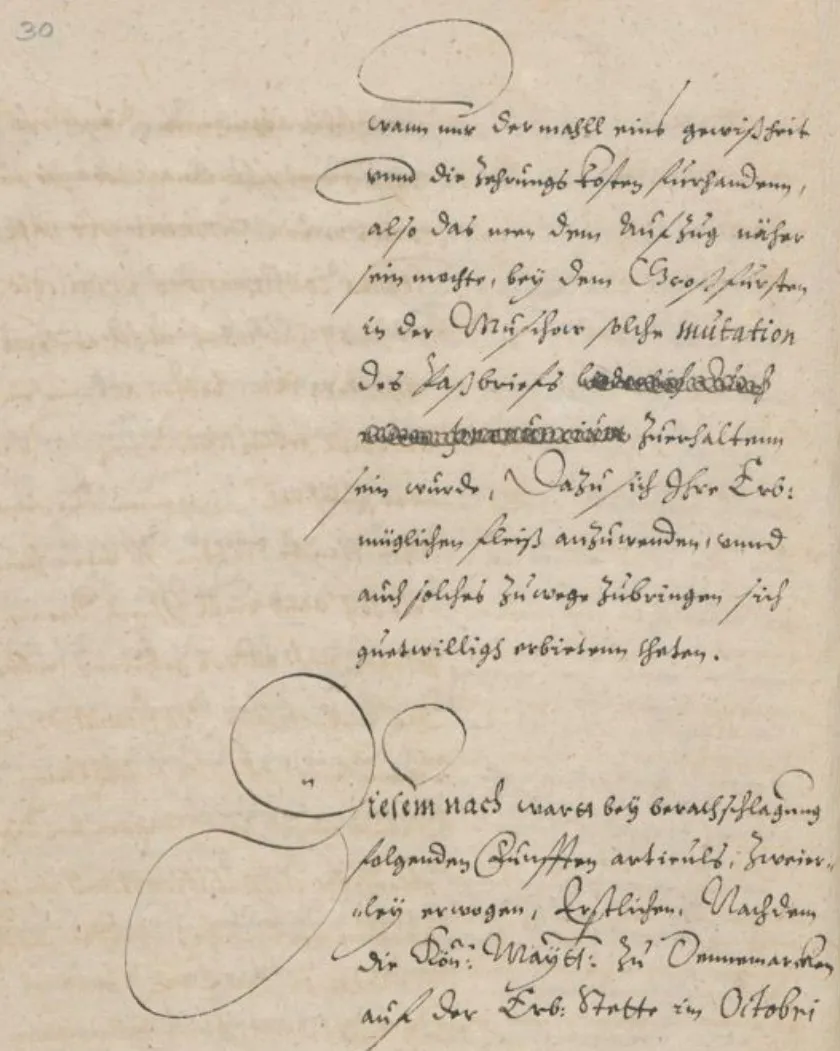
Script diversity: Gothic textura, rotunda, cursiva, Caroline minuscule, Beneventan, Insular, bastarda — each requires distinct recognition models
Ligatures and letter fusion vary by scriptorium, period, and individual scribe
Physical damage: parchment holes, ink fading, palimpsests, water stains, and binding obscuring text near the gutter
Multi-layered text: marginal glosses, interlinear additions, corrections, and rubrication require sophisticated layout analysis
Examples of abbreviations and ligatures in medieval manuscript scripts

The solution

How Transkribus Transcribes Medieval Documents with HTR
Transkribus uses Handwritten Text Recognition (HTR) — deep learning models trained on transcribed manuscript pages — rather than character-template matching. This approach is fundamentally suited to medieval scripts because it learns holistic word and line patterns, not isolated character shapes. The platform's public model repository includes models trained on specific medieval scripts by researchers who work with these materials daily. Where no existing model fits your collection, Transkribus allows you to train a custom HTR model on your own ground truth data, producing a recognition engine tuned to a specific scribe, scriptorium, or document type.
Public HTR models for Gothic textura, Caroline minuscule, and other major medieval scripts — ready to use immediately
Custom model training: provide 50–100 pages of ground truth and train a model for your specific manuscript hand
Layout analysis handles multi-column pages, marginal glosses, rubrication, and interlinear text
Abbreviation expansion can be incorporated into model training for fully resolved transcriptions
Export as TEI-XML with word-level coordinates and confidence scores for digital scholarly editions
Transkribus editor showing HTR output on a medieval manuscript page

From manuscript image to TEI-XML edition in 4 steps

Upload manuscript images

Import high-resolution scans or photographs of manuscript folios. Transkribus accepts TIFF, JPG, PNG, and PDF. Organize by codex, quire, or collection.

Select or train an HTR model

Choose from public models trained on medieval scripts, or train a custom model on your own ground truth. For best results on a specific manuscript hand, 50–100 transcribed pages suffice.

Run layout analysis and recognition

Transkribus detects text regions, baselines, columns, and marginal zones automatically. HTR processes each detected line and returns the transcription with per-line confidence scores.

Review, correct, and export

Review the transcription in the built-in editor alongside the manuscript image. Correct errors, add TEI markup, then export as TEI-XML, PAGE XML, ALTO, or plain text for your edition or corpus.

Models and scripts

Gothic Script Recognition and Beyond: Public Models for Medieval Paleography
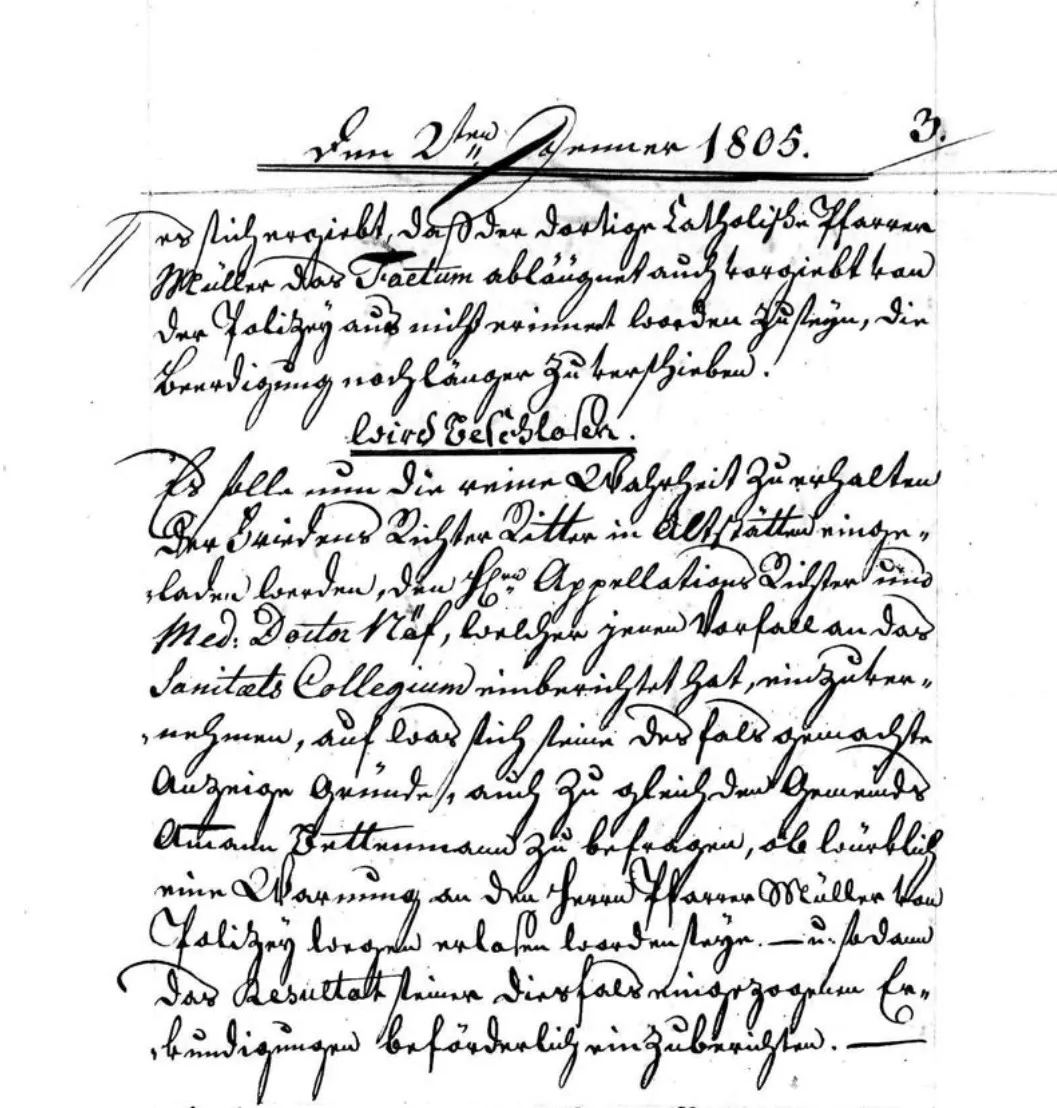
The Transkribus public model repository includes HTR models contributed by medieval studies researchers and digital humanities projects worldwide. These models cover the major script families encountered in European manuscript traditions from the 8th to the 16th century. Because each model is trained on actual manuscript pages — not synthetic data — they reflect the real-world variation of scribal hands, regional conventions, and period-specific abbreviation practices.
Gothic textura (textualis formata and libraria): Latin liturgical and literary manuscripts, 12th–15th century
Caroline minuscule: Carolingian-era codices, 9th–12th century — the foundation of later European scripts
Beneventan script: Southern Italian and Dalmatian manuscripts, 8th–13th century
Insular scripts (insular majuscule and minuscule): Irish and Anglo-Saxon manuscripts, 6th–9th century
Bastarda and hybrida: Late medieval administrative and literary manuscripts, 14th–16th century
Custom model training for any script not covered by existing public models
Examples of medieval script types supported by Transkribus HTR models

Custom training

Train a Custom HTR Model for Your Manuscript Collection
No two medieval manuscript collections are alike. A 14th-century notarial register from Provence uses a different hand than a 14th-century psalter from Bohemia, even if both fall under 'Gothic cursiva.' Transkribus allows you to train a custom HTR model on your own transcribed ground truth, producing a recognition engine precisely calibrated to your documents. This is how research teams achieve the highest accuracy — by combining domain paleographic expertise with machine learning.
Start with 50–100 pages of manually transcribed ground truth from your manuscript
The training process typically takes a few hours and can be run from the Transkribus interface
Trained models can resolve scribal abbreviations if your ground truth includes expanded forms
Fine-tune an existing public model on your data for faster convergence and fewer training pages
Share your trained model with the research community or keep it private to your project
Custom HTR model training workflow for medieval manuscripts

Frequently Asked Questions

EUAT

Built for research. Hosted in Europe. Governed by the community.

Transkribus is developed and operated by the READ-COOP, a European cooperative of 250+ research institutions, archives, and libraries.

Your data stays yours

Full ownership of all uploaded documents and generated transcriptions. Delete anytime.

Hosted in Austria, EU

All processing on our own servers. GDPR-compliant. No third-party cloud dependencies.

Cooperative, not a startup

Thousands of archives, libraries, and universities as co-owners. Built for decades, not a VC exit.

Ready to accelerate your manuscript transcription?

Join 500+ universities already using Transkribus for handwritten text recognition. Start with free credits and explore public models for medieval scripts.

50 free credits every month — No credit card required

200M+Pages processed
500+Universities using Transkribus
300+Public AI models