The problem
Why church records are so hard to read
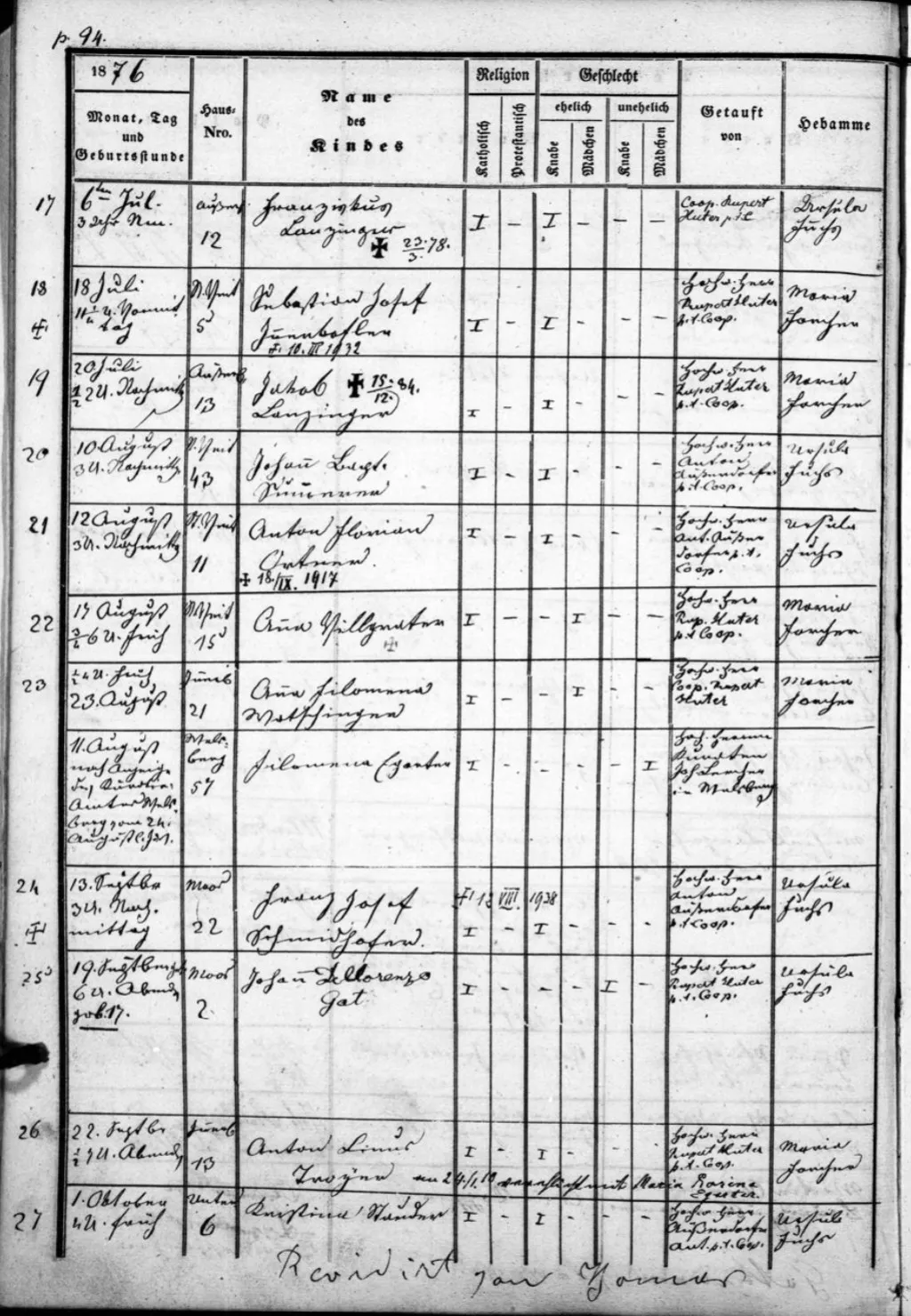
The solution
AI that reads parish registers across centuries and languages
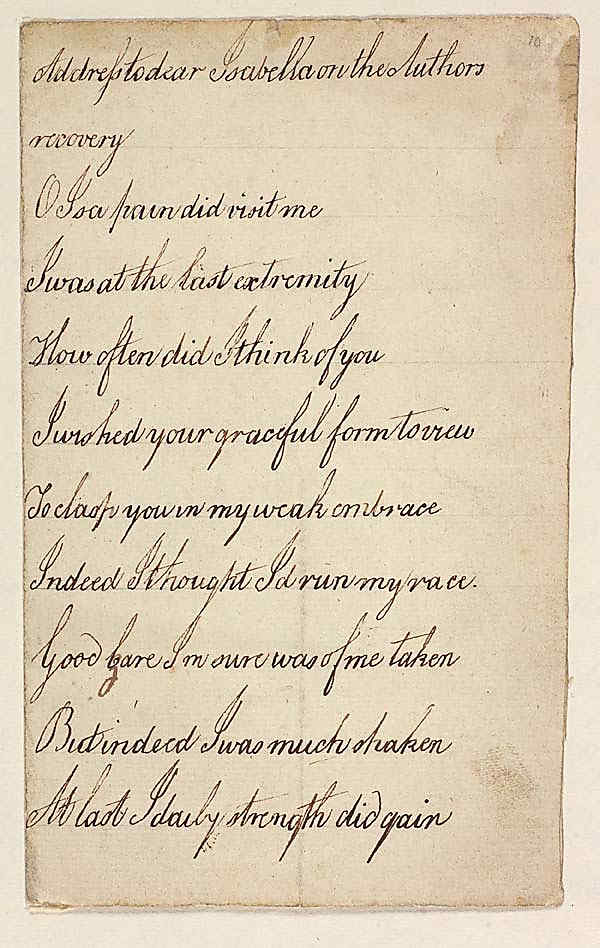
Comparison
Transkribus HTR vs. Standard OCR on Church Records
Church and parish registers present unique challenges that standard OCR was never designed to handle. Here is how Transkribus HTR compares when processing historical church records.
| Feature | Transkribus HTR | Standard OCR |
|---|---|---|
| Historical cursive scripts | Reads Kurrent, Sütterlin, Secretary Hand, Copperplate, and 100+ historical scripts | Designed for printed text only – fails on cursive and connected handwriting |
| Latin abbreviations | Models trained on real parish registers understand common Latin shorthand (b. for baptised, d.d. for died) | Cannot interpret manuscript abbreviations or ligatures |
| Mixed scripts in one register | Handles pages mixing Latin headings, Kurrent body text, and French marginalia | Requires uniform typeface – mixed scripts cause garbled output |
| Damaged and faded documents | Trained on real historical documents with ink bleed, water damage, and foxing | Performance degrades significantly on low-contrast or damaged pages |
| Tabular parish register layouts | Layout analysis detects columns, rows, and marginal notes in structured registers | Assumes simple left-to-right text flow – misreads columnar layouts |
| Custom model training | Train a model on your specific pastor’s handwriting with 50–100 pages of ground truth | Fixed models – cannot be adapted to specific handwriting styles |
| Confidence scoring | Per-line confidence scores highlight uncertain readings for targeted review | Varies – often absent or unreliable on handwritten text |
Comparison reflects general capabilities of HTR (Transkribus) versus standard OCR engines on handwritten church records. Results depend on document condition, script type, and model selection.
How to transcribe a church record in 4 steps
From photo to searchable text in minutes – no paleography training required.
Upload your document
Take a photo with your phone or upload a scan. Transkribus accepts JPG, PNG, PDF, and TIFF files.
Select an AI model
Choose from 300+ public models. Filter by language, century, and script type to find the best match for your record.
Run text recognition
Click 'Recognise' and let the AI work. A single page takes about 30 seconds. Entire registers can be processed in batch.
Review and export
Check the transcription against the original image. Fix any errors in the built-in editor, then export as text, PDF, or XML.
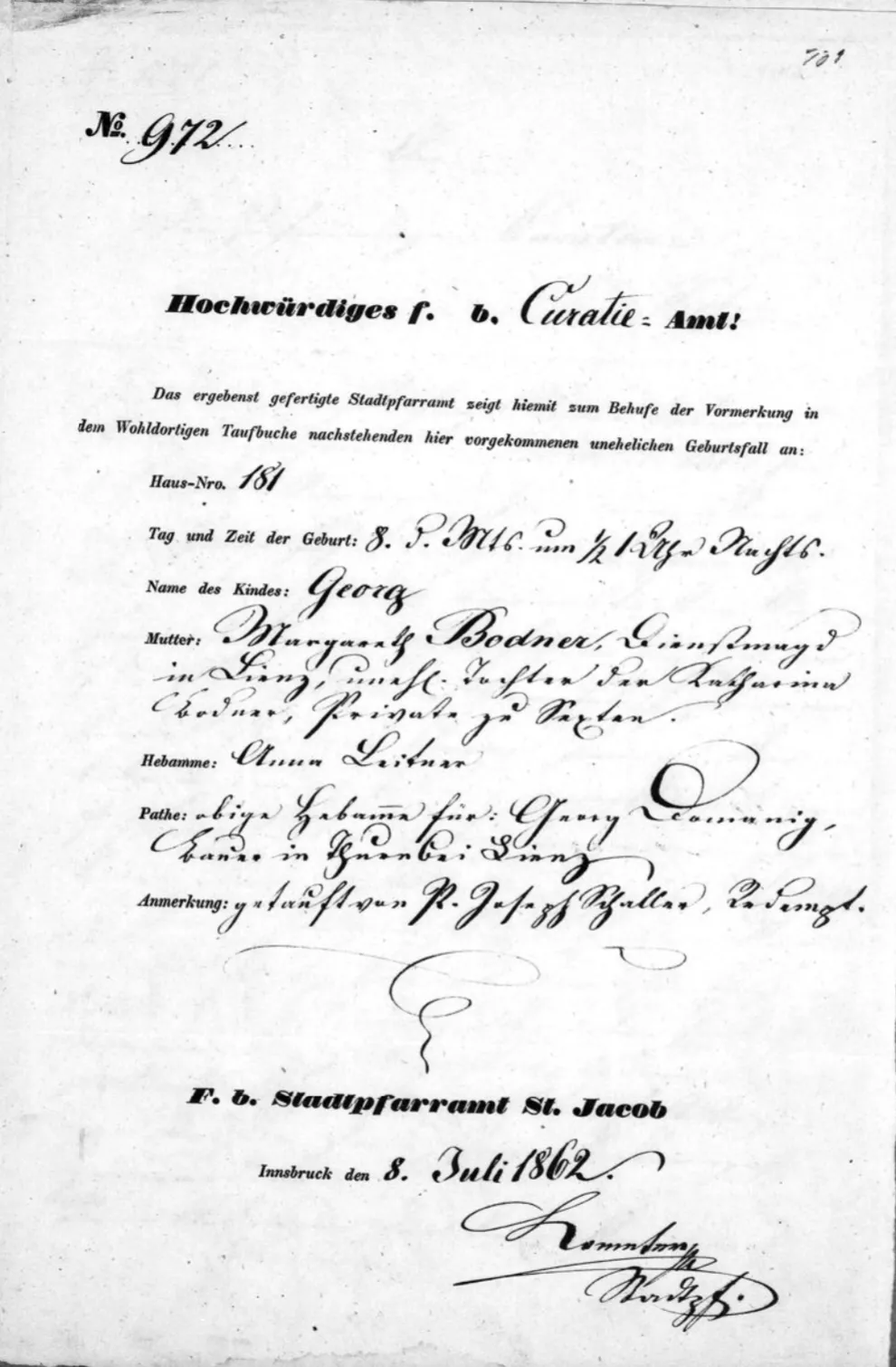
Models for church records
AI models trained on parish registers and church books
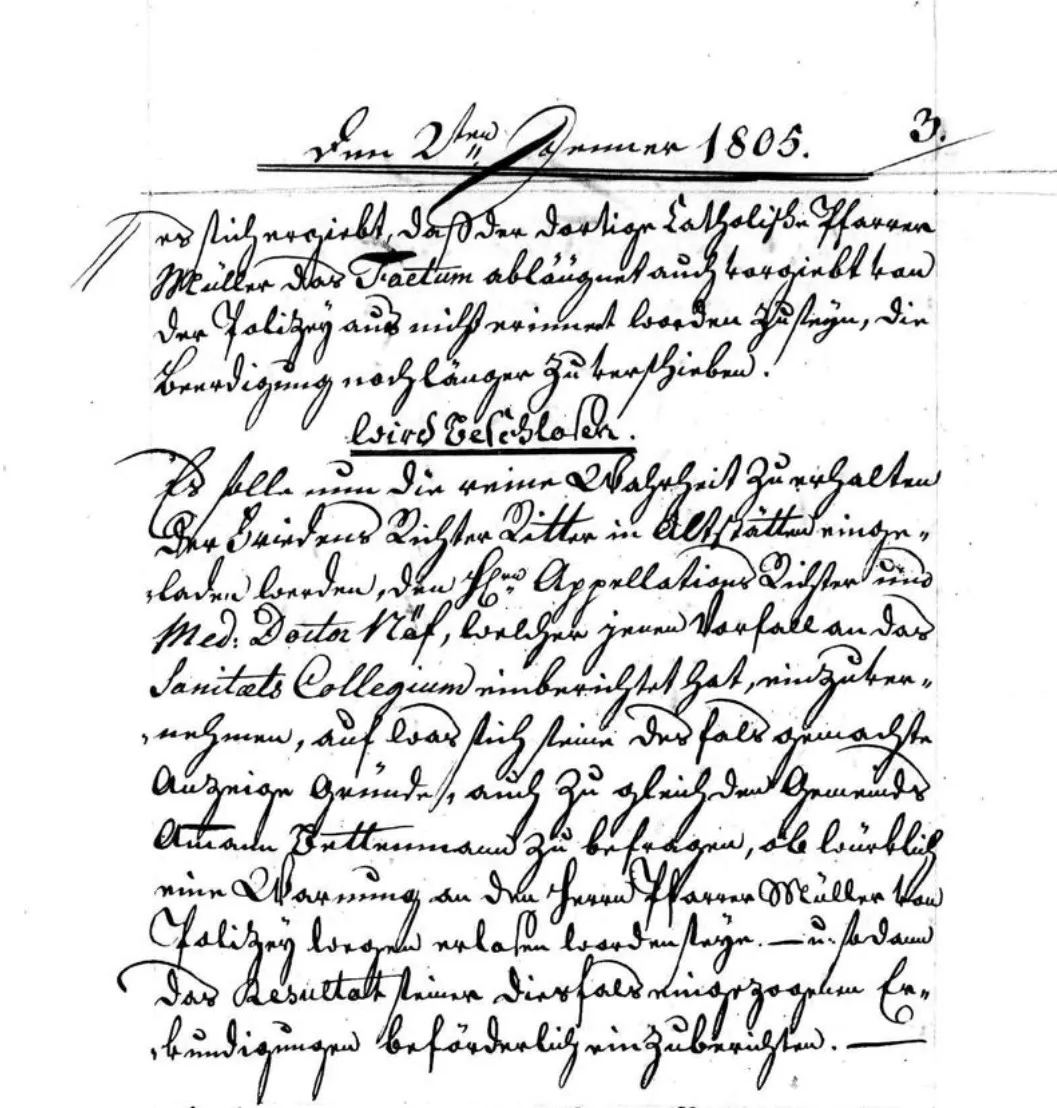
Custom training
Train a model on your specific church records
Frequently Asked Questions
Related guides
Explore more genealogy record types

Ready to unlock your church records?
Create a free account and start transcribing parish registers today. 50 free credits every month – no credit card required. Want to try it first? Read old handwriting for free – no signup required.
50 free credits every month – No credit card required